All guides
Ludhiana 9 min read

Ludhiana Restaurant Operations Guide

Counter speed, kitchen alignment, and back-office clarity

Ludhiana outlets often run dine-in counters, parcel windows, and delivery tickets in the same shift. This guide covers daily workflows — billing, kitchen tickets, stock, and staff coordination — with practical notes on when a unified POS helps.

Counter billing flow

Modifiers, split bills, and quick reorders during lunch peaks — the billing screen should match how your counter actually works.

KOT routing

Route items to prep stations so grill, tandoor, and cold sections receive the right tickets without manual shouting.

Stock tied to sales

Ingredient usage linked to menu items helps purchasing decisions instead of end-of-week guesswork.

Running a restaurant in Ludhiana means planning for rush-hour queues, split payment modes, and kitchen sections that must stay in sync. Whether you operate a casual dining room or a high-volume takeaway counter, the fundamentals are the same: accurate billing, clear kitchen communication, and stock that reflects what you actually sold. Below we walk through operational priorities local teams face, and where technology fits without replacing good floor management.

Planning for rush-hour service

Peak periods in Ludhiana often combine walk-in diners, phone orders, and aggregator tabs. Staff need a billing flow that does not slow the queue — presets for popular combos, clear modifier buttons, and payment modes that match how customers pay (UPI, card, cash). Kitchen teams benefit when tickets arrive at the right station automatically rather than being re-read from a single chit.
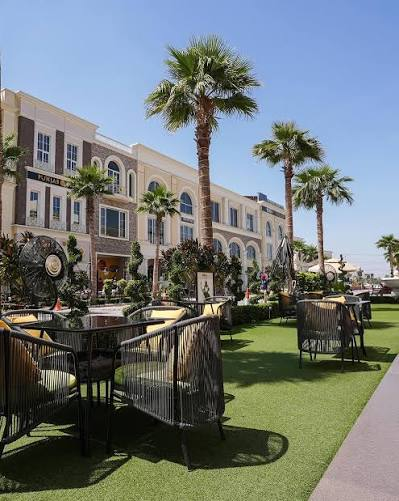
Clock Tower area in Ludhiana, Punjab

Inventory that matches your menu

Track raw materials against recipes so you notice variance early — over-portioning, waste, or supplier price changes. Start with your top-selling items rather than trying to map every ingredient on day one. Weekly stock checks aligned with purchase cycles work better than monthly reconciliations that hide problems.

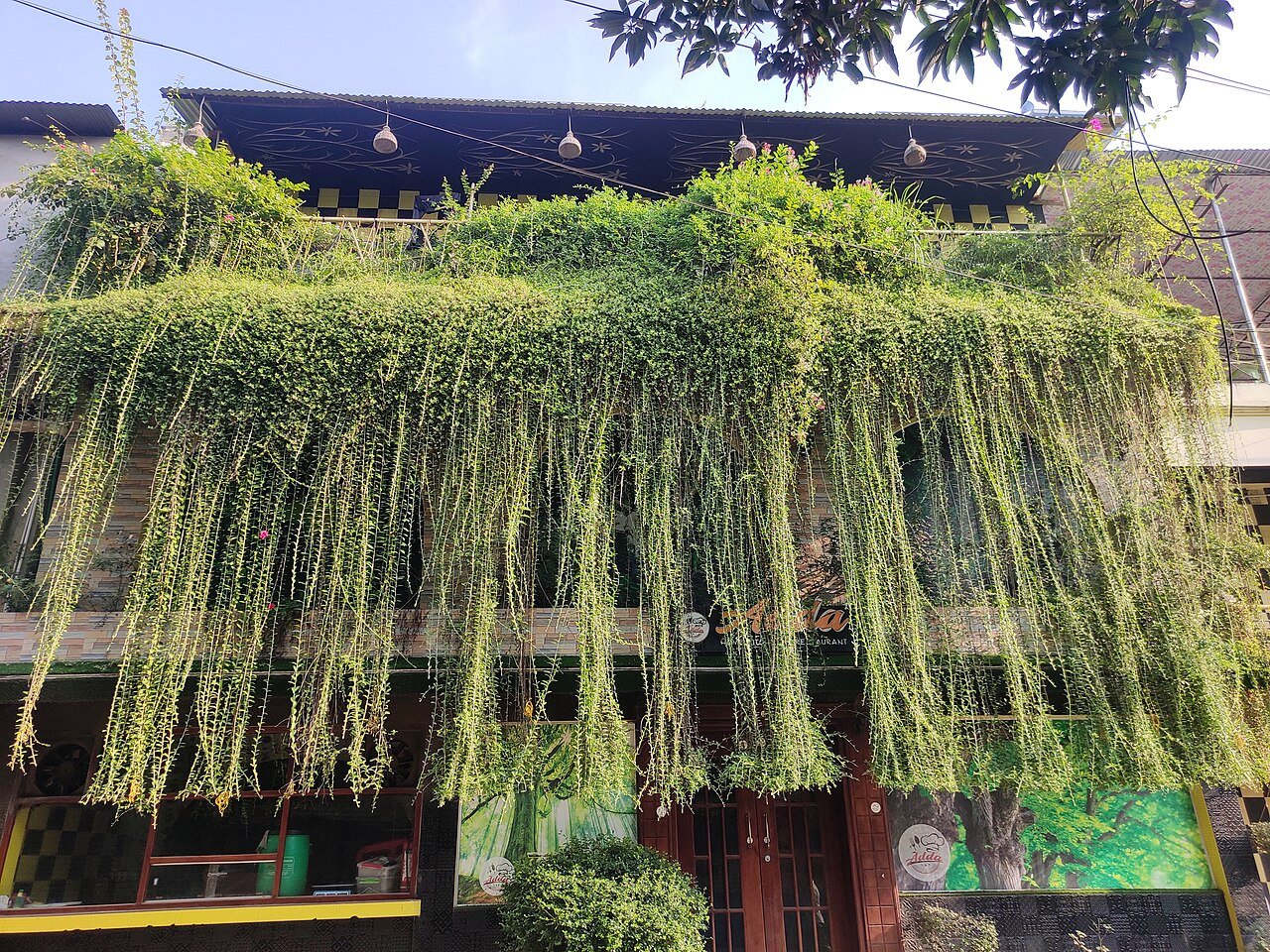
Restaurant kitchen prep line

Choosing restaurant POS software

Look for GST-ready invoicing, kitchen ticket routing, and reports you will actually read at shift close. Avoid systems that require exporting to spreadsheets for basic sales summaries. If you run more than one counter, confirm multi-terminal billing without duplicate menu maintenance.

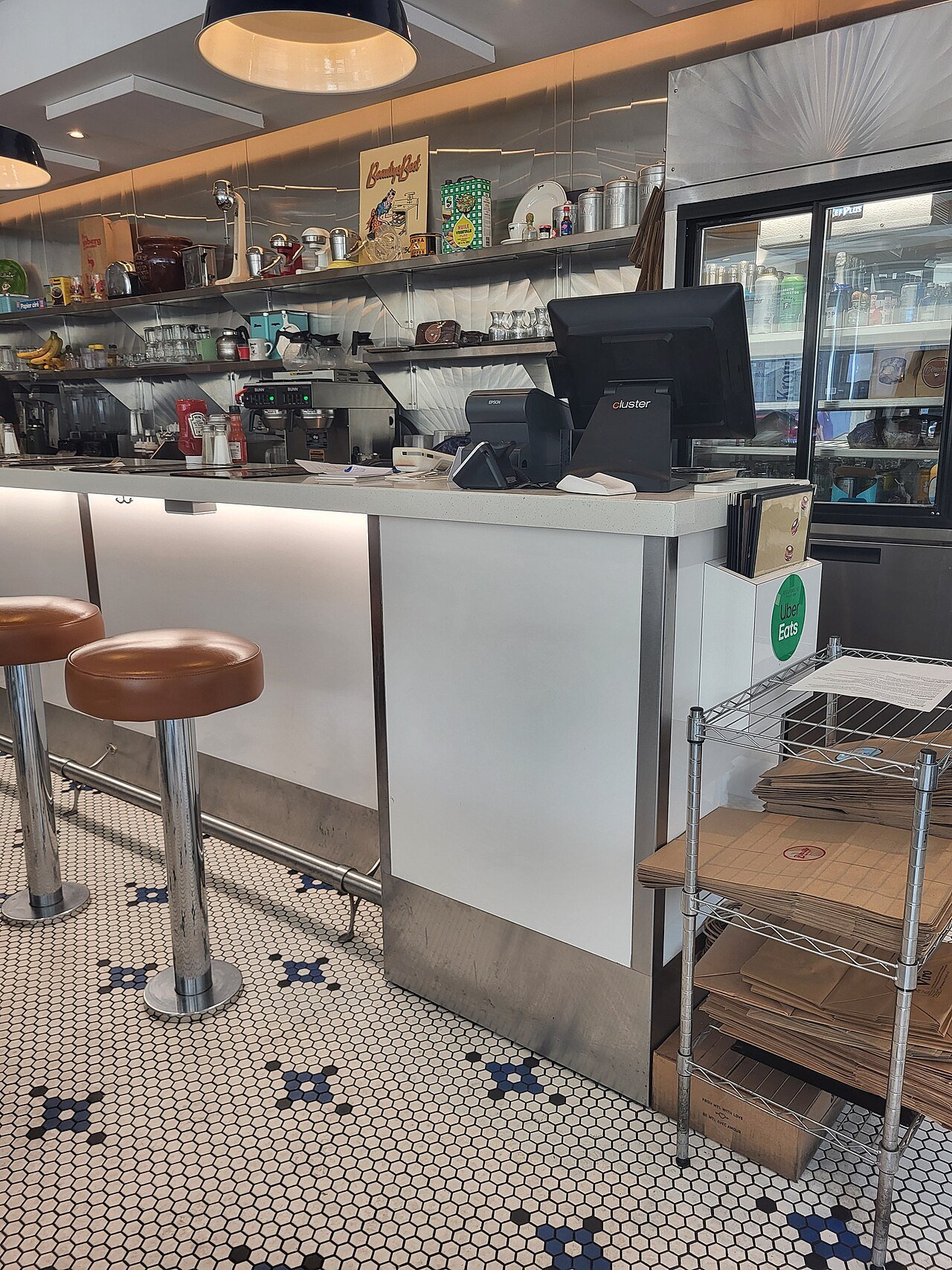
Restaurant counter and dining floor

Local areas in Ludhiana

Ludhiana’s food business map stretches from Civil Lines and Model Town counters to industrial-belt service on Ferozepur Road and Focal Point. Neighbourhood cafés in Sarabha Nagar and BRS Nagar, family dining in Dugri, and high-throughput takeaway on Pakhowal Road all share the same pressure: fast billing, clear KOTs, and stock that matches what sold today.

  • Civil Lines

    Mixed dine-in and parcel traffic — cashiers need quick modifiers and split payments without slowing the queue.

  • Sarabha Nagar

    Café and casual dining pockets where repeat guests and evening rush define staffing.

  • Model Town

    Dense restaurant stretch; table turns and kitchen ticket routing matter as much as menu price.

  • Dugri

    Growing residential dining — owners often run counter + delivery in one shift.

  • BRS Nagar

    Neighbourhood outlets that lean on loyalty, SMS, and consistent ticket accuracy.

  • Focal Point

    Industrial-area service windows and canteens with peak lunch volumes.

  • Pakhowal Road

    Roadside QSR and takeaway — speed at the POS is the main competitive edge.

  • Ferozepur Road

    High-visibility corridors where multi-format brands test dine-in plus delivery.

Clock Tower area in Ludhiana, Punjab
Wikimedia Commons

Frequently asked questions

Quick answers about restaurant operations in Ludhiana.

What should Ludhiana QSR counters prioritise in a POS?

Fast item entry, modifier support, KOT routing to kitchen sections, and shift-end reports that show payment-wise totals without manual tallying.

Can billing and kitchen tickets run on one system?

Yes — integrated POS sends KOTs when orders are punched, reducing miscommunication between counter and kitchen during busy hours.

Do I need separate tools for inventory?

Not necessarily. Many teams start with billing and KOT, then enable stock tracking as recipes and purchase cycles are defined.

Simplify your Ludhiana restaurant operations

See how myKitchenMate handles billing, kitchen tickets, and inventory on one platform — configured for Indian restaurant workflows.